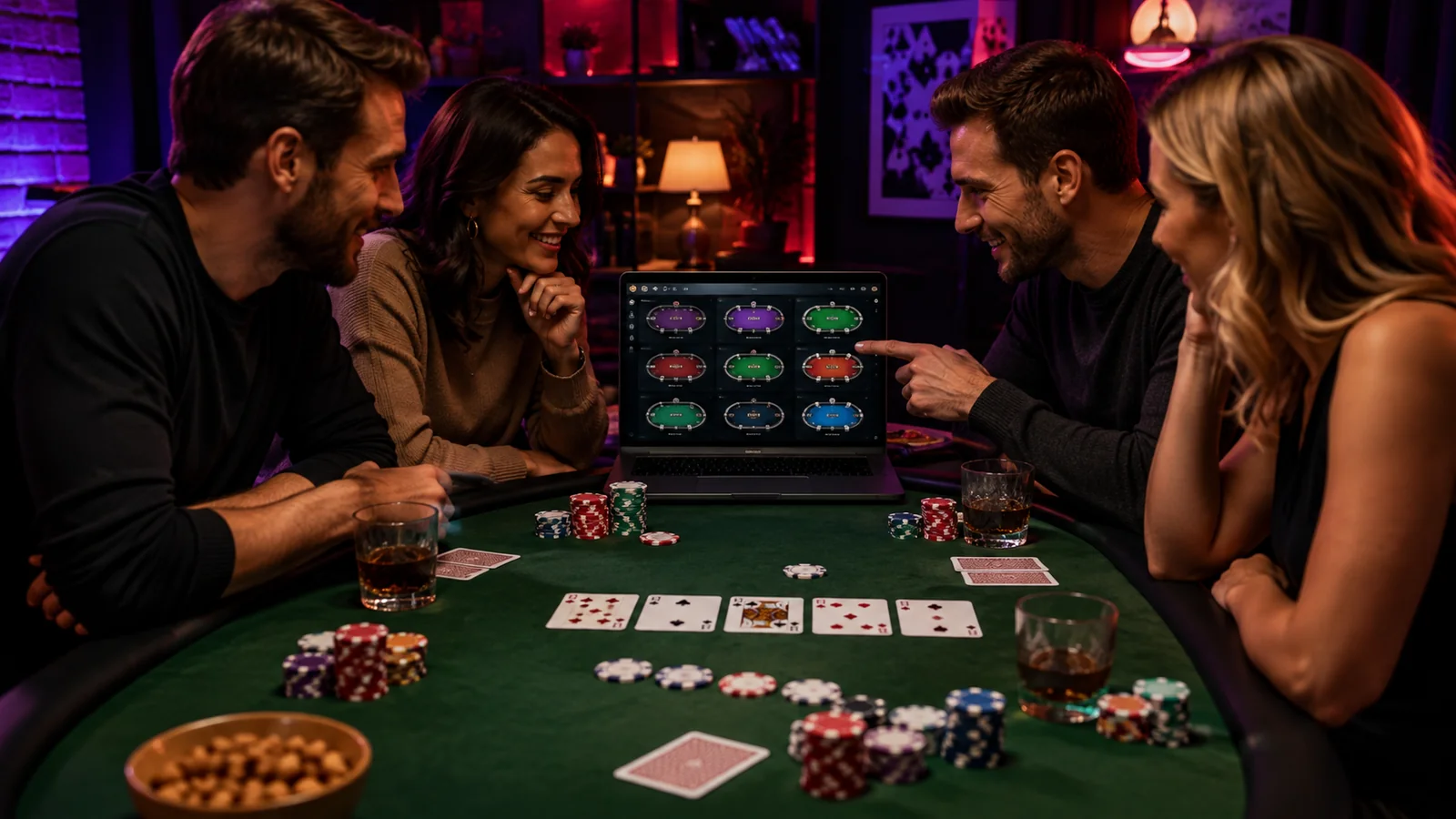
The second table that creates four kinds of error
Imagine Ava, a hypothetical player, adds a second table because the first feels slow. Within minutes, action overlaps: a bet amount is misread, the session timer is obscured, posture tightens, and the total amount sitting across tables is forgotten. Nothing dramatic occurred, but the setup stopped supporting deliberate decisions.
Ava returns to one table, records the issues, and later rehearses a two-window layout without money. She calculates combined exposure, disables unnecessary pop-ups, enlarges card and amount displays, and schedules short breaks. This scenario does not suggest that multi-tabling improves results; it shows why capacity should be treated as a safety and usability question.
Earn the second table through consistency
Multi-tabling should not be a beginner default or a cure for boredom. Begin with a series of one-table sessions in which actions are read correctly, the stop time is honored, spending is tracked, and the player remains calm. Add only one table at a time and be willing to remove it immediately.
The relevant measure is decision clarity, not hands per hour. If actions time out, amounts blur, notes are missed, or the body feels tense, capacity has been exceeded. A room offering many simultaneous tables does not mean using them is suitable.
Calculate total exposure before layout
Add the money placed on every cash table plus any tournament entries and possible planned re-entries. Compare that combined amount with the session ceiling. Two individually comfortable buy-ins can exceed a comfortable total when opened together.
Keep a no-reload or maximum-entry rule visible outside the software. Do not open another table after a loss to increase the chance of recovering during the same evening. More simultaneous action increases variance in the lived experience even though it does not guarantee any particular result.
Choose readable geometry
Tiled windows show every table but may shrink cards, positions, action indicators, and bet amounts. Stacked or cascading windows preserve size but can hide urgent action. Test the room’s layout modes without financial pressure and choose the arrangement where critical information remains readable at a glance.
Avoid overlapping the session timer, responsible-play reminder, or system notifications. Use a monitor size and scaling setting that allows neutral posture. If readable multi-table play requires expensive hardware, compare that cost with simply staying on one table.
Reduce noise rather than automate judgment
Close email, work chat, streaming video, social media, and unrelated browser tabs. Silence nonessential phone alerts and tell household members when the short focus block ends. Use water and planned breaks instead of relying on stimulation to extend the session.
Preset betting buttons and hotkeys can reduce movement but also magnify mistakes. Learn room rules and permitted-software policies before using shortcuts or third-party tools. Never install automation or real-time assistance offered through unofficial sources.
Use stop conditions that ignore the score
Stop when the time ends, the combined session ceiling is reached, two avoidable interface errors occur, physical discomfort appears, or attention is repeatedly lost. Close tables one at a time according to the rules, save histories if useful, and record the session before considering another.
If you cannot reduce table count because leaving feels like wasting an opportunity, take a longer break. Multi-tabling is optional. A single controlled table or no table is better than a high-volume session that conflicts with money, sleep, health, or relationships.
One table versus additional tables
| Factor | One table | Each added table |
|---|---|---|
| Information size | Largest and easiest to inspect | May shrink or overlap |
| Decision time | Focused on one sequence | Actions can arrive together |
| Money exposed | One buy-in or entry | Combined exposure rises |
| Physical load | Simpler posture and scanning | More eye and input movement |
| Stop signal | Easy to see | Can be hidden by activity |
Your decision checklist
- Demonstrate controlled one-table sessions first.
- Calculate total simultaneous exposure under the session limit.
- Test tiled and stacked layouts without paid play.
- Keep amounts, cards, timers, and alerts readable.
- Check hotkey and third-party software rules.
- Schedule movement, hydration, and eye breaks.
- Stop after errors, discomfort, lost focus, or the preset time.
Warning signs
- You add tables because you are bored or chasing a loss.
- Amounts or actions cannot be read comfortably.
- Combined money in play is not tracked.
- Shortcuts create accidental actions.
- The session continues through pain, fatigue, or missed obligations.
Add capacity only when control remains unchanged
Stay with one table unless an additional table fits the same money ceiling, stop time, readable layout, and calm decision standard. Choose licensed software with useful layout and history controls, but do not buy hardware or join a room merely to increase volume. Affiliate compensation, if later introduced, will not make multi-tabling necessary or appropriate.
Build a safer poker routine →Frequently asked questions
How many tables should a beginner play?
One. Learn the software, pace, fees, records, and stop routine before even considering another table.
Is tiling always better than stacking?
No. Tiling can make information too small, while stacking can hide action. Test both without financial pressure and choose readability over screen density.
Does multi-tabling increase profit?
It does not guarantee profit. It increases the number of decisions and the amount that may be exposed at once, and it can magnify errors and fatigue.
Sources
Sources were last checked on September 5, 2026. Rules and availability can change.
- UK Gambling Commission: Information companies must give you about your account — checked 2026-09-05
- GamCare: Managing your money — checked 2026-09-05
- CISA: Secure Our World — checked 2026-09-05